

QuickBooks integration for publisher billing
Use RunMags to sell, invoice and collect, then smoothly transfer revenue information to the correct accounts in Quickbooks Online to manage your Profit & Loss.
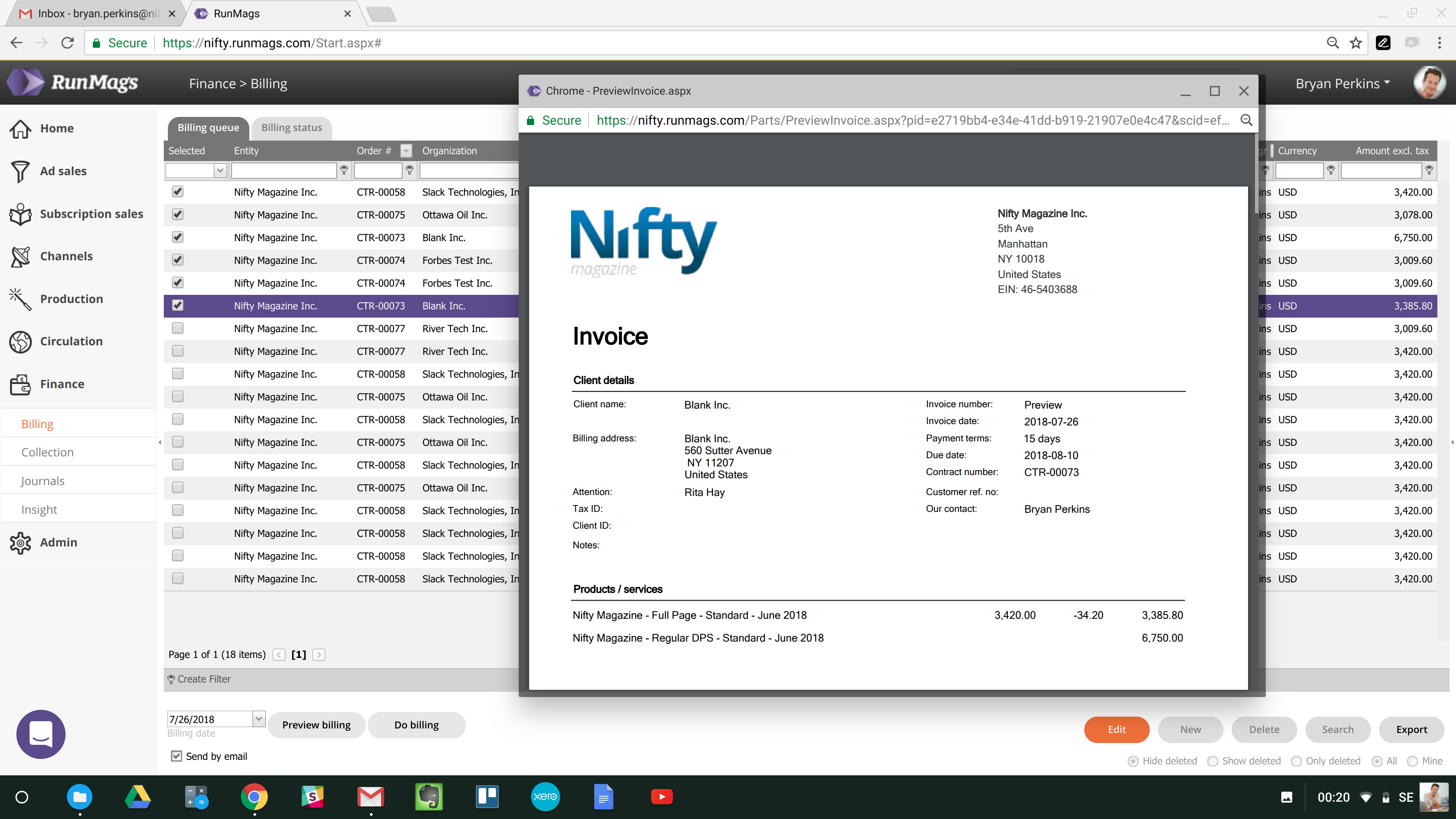
Map publisher billing to the accounting workflow
Before connecting QuickBooks and RunMags, agree how your team describes revenue, which legal entity issues invoices and which account mapping finance expects. Advertising sales and subscriptions may have different operational context, so include representative examples of both if they matter to your business. Clear mapping helps the team understand the information passed between publishing and accounting.
RunMags includes QuickBooks among its accounting integration options. Confirm the current setup and scope with the team rather than assuming every field transfers in both directions. Explain which work should remain in RunMags and which accounting responsibilities remain in QuickBooks. An integration connects systems; it does not remove the need to review source information and exceptions.
During your evaluation, follow a representative sale through the invoice and accounting handover. Check the customer details, amounts, relevant accounts and who will reconcile the result. Include an example that needs clarification so the team understands how it will handle issues after launch. Explore accounting workflows, publisher billing and onboarding before changing a live finance process.
Include the finance colleague who will check the result in the evaluation. Ask them to explain which information they need and what would make a transaction difficult to reconcile. These practical questions help establish a usable handover, rather than treating a connected account as the end of the setup process.


